Laptops buying guides
Buying guides for laptops sold in India, from budget study machines to thin-and-light work laptops. Each guide compares published specifications, warranty terms and service coverage within a price band.
7 buying guides · Published specifications · Price bands, not live prices

Buying guides
 Laptops
Best laptops under ₹50,000 in India
Five Windows laptops listed under ₹50,000 on Amazon.in, compared on screen, RAM upgrades, ports and weight, with the catch in each listing. Laptops
Best laptops under ₹60,000 in India
Four 15.6-inch Full HD Windows laptops from HP, ASUS, Lenovo and Dell in the ₹45,000–55,000 range, compared on chip, RAM, weight and bundled Office.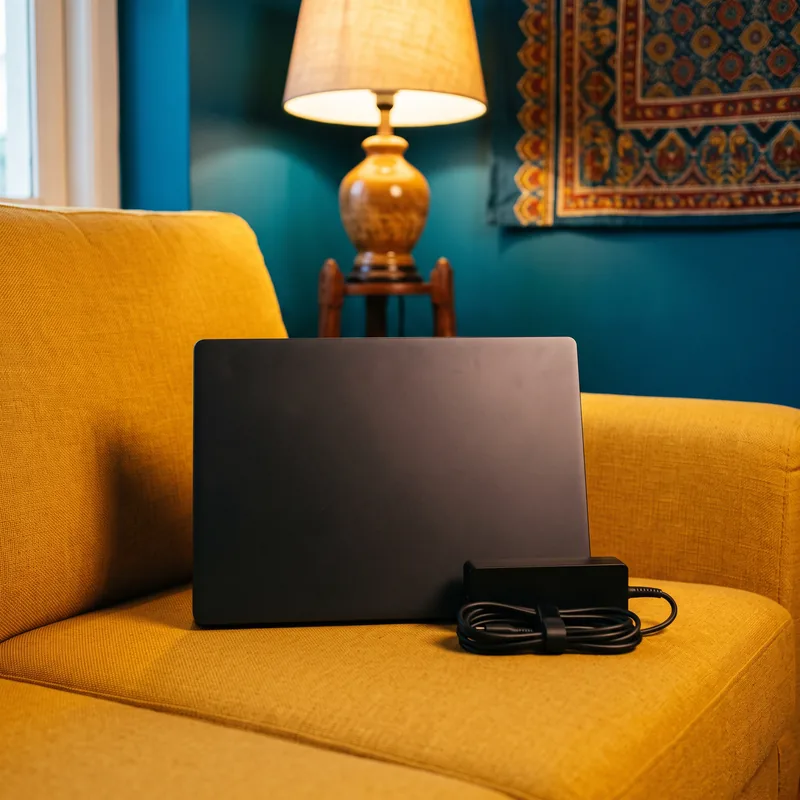 Laptops
Laptop battery draining fast: 8 fixes
Eight fixes for a Windows laptop battery that drains fast, how to read the powercfg battery report, and how to tell when it is time to replace the battery.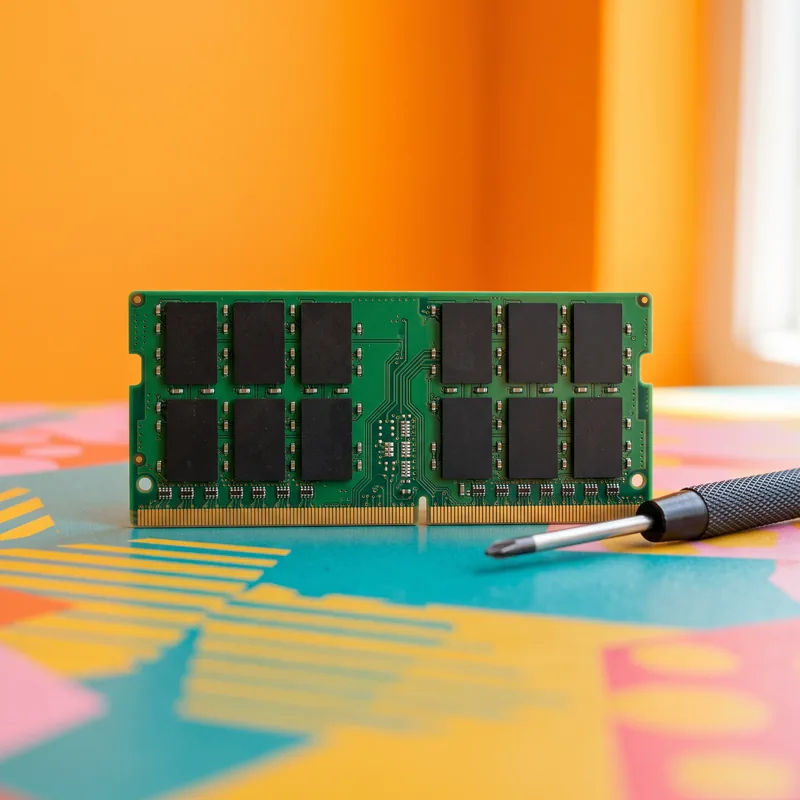 Laptops
How much RAM do you need in a laptop?
8GB or 16GB? A plain guide to how much RAM a laptop needs for study, office work, coding and editing, and why upgradable RAM matters. Laptops
Core i3 vs i5 laptop: which to buy?
Core i3 vs Core i5 laptops: what the tier means, why generation and suffix matter, how Core 5 and Core Ultra names fit in, and who should buy which.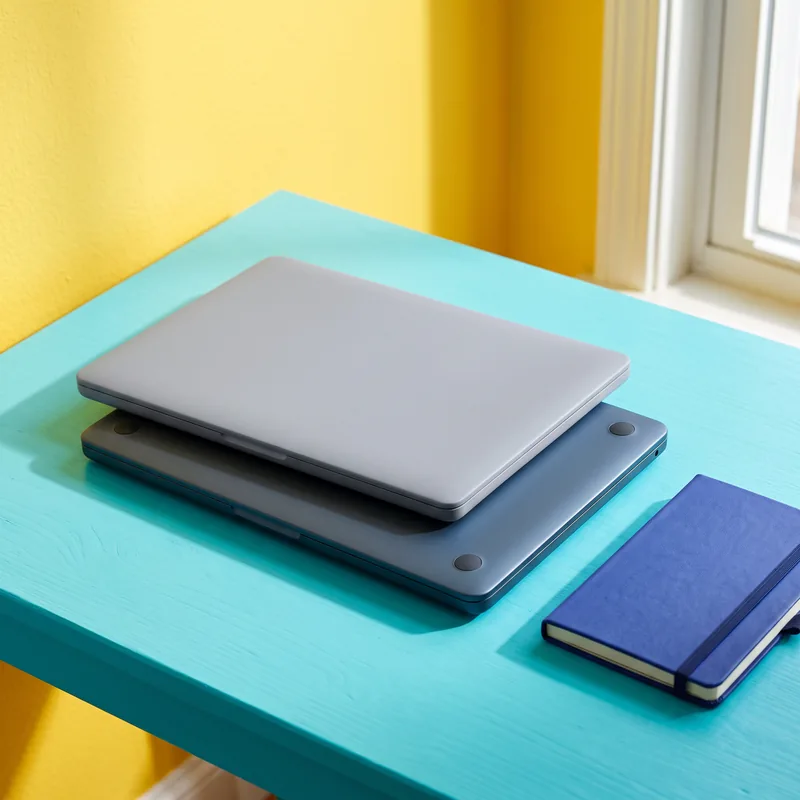 Laptops
Lenovo IdeaPad vs Acer Aspire in India
Lenovo IdeaPad Slim 3 or Acer Aspire for college? Current models at two price bands compared on RAM, battery, warranty and service reach in India.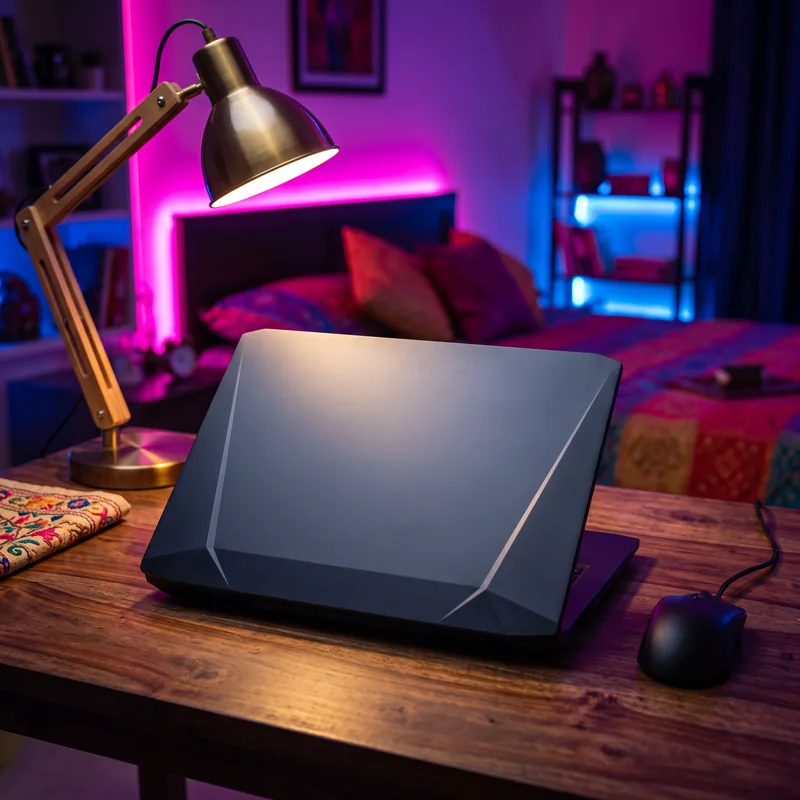 Laptops
HP Victus 15: Worth Buying in India?
Is the HP Victus 15 worth it? Who it suits, which RTX 3050 variant to buy, the screen catch, and how it compares with Lenovo LOQ and ASUS TUF A15.Top laptops picks
- Top pickDell 15 (DC15255), Ryzen 5 7520U
Most people: a 15.6-inch Full HD screen with a 120Hz refresh rate.
From: Best laptops under ₹50,000 in India
Check price on Amazon (paid link) - Top pickDell 15, Intel Core 3 100U, 120Hz Full HD IPS
Most people: a 120Hz IPS Full HD screen with Office included.
From: Best laptops under ₹60,000 in India
Check price on Amazon (paid link) - Top pickLenovo IdeaPad Slim 3 (82XQ01VYIN), Ryzen 3 30, 8GB/512GB
A student who wants Office included and a warranty with a technician visit.
From: Lenovo IdeaPad vs Acer Aspire in India
Check price on Amazon (paid link)
As an Amazon Associate I earn from qualifying purchases.
How to choose
Processor and memory first
For everyday work, 16 GB of memory matters more than the newest processor. Check whether memory is soldered or upgradeable.
Display quality
Look for the panel type, resolution and rated brightness. A 1920×1080 IPS or OLED panel is a sensible baseline.
Warranty and service
Compare warranty length and whether service is on-site or carry-in, and check for a service centre in your city.